Blog4 October 2026 · 6 min read
Case study: we let AI Annie plan her own launch
One chat, a 12-post content plan and launch posts for Instagram, Facebook and LinkedIn. What worked, what went wrong with the images — and what we changed.
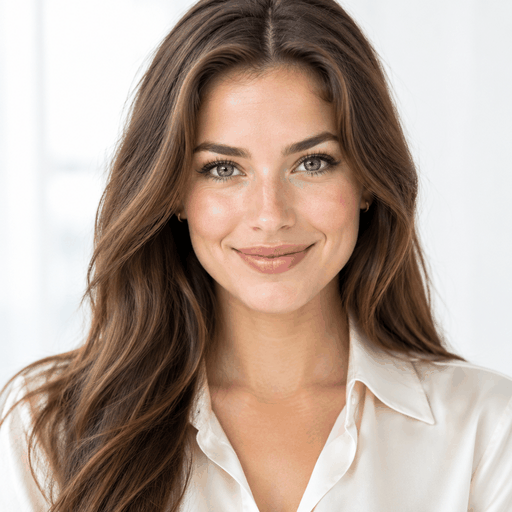
AI AnniePart of My-AI-Crew.com
Before asking anyone to hand their social media to AI Annie, we gave her the hardest client we could think of: herself. Her job was to plan and make the posts for AI Annie's own launch. These are the real numbers and the real problems from the first days, October 2026.
The setup
We connected Instagram, Facebook and LinkedIn, pointed Annie at ai-annie.com so she could learn the brand from the website, and picked a look. Then we opened the chat and wrote: “Create my first post, we are launching AI Annie.”
What happened
1
Chat to make the plan
12
Post ideas in the plan
3
Platforms per post
2
Launch posts approved & scheduled
Annie asked a few short questions — what we wanted to achieve, what was coming up, how often to post — and turned the answers into a content plan: a handful of themes and 12 dated post ideas. For the launch post she wrote the caption and made an image per platform in the right shape: square for Instagram, landscape for Facebook and LinkedIn.
Nothing went out on its own. Each post landed in the chat waiting for approval, with the date and text editable. Two launch posts are approved and scheduled on all three platforms.
What went wrong — and what we changed
The text and the plan were good from the start. The images needed work:
“Only Annie” still gave group photos
We asked for a picture of only Annie. The image kept showing a group, because the brand description mentioned a team. Fix: Annie now rewrites the image description with the user's change as the top priority, and we added “redo the images” directly to the chat.
Text on her face
Headlines on images sometimes landed right across a face. Fix: every image instruction now says to place text in empty space and never over a face, person or the main product.
The wrong font
We'd uploaded inspiration images with a specific typography, and the first images ignored it. Fix: the brand's font style is now part of every image instruction, and you can tell Annie in the chat when the font is off.
One image at a time
Making three platform images separately sometimes produced three different pictures — and hit the AI provider's rate limits. Fix: Annie makes one main image and re-composes it for the other formats, so every platform shows the same post.
What's next
- Publishing the launch posts and following how they perform.
- Working through the rest of the 12-post plan, approving posts in the chat.
- Updating this case study with real reach and engagement numbers once the posts have been out a few weeks.
Want to do the same for your business? Start with our guide to planning a month of social media in an hour.
Questions and answers
- How long did it take to make the launch plan?
- One short chat. Annie asked about goals, what was coming up and how often to post, then made a plan with themes and 12 dated post ideas.
- What went wrong?
- The first images didn't follow instructions well: asking for 'only Annie' still gave group pictures, text sometimes landed on her face, and the font didn't match the brand. Each was fixed by changing how Annie writes image instructions.
- Do posts go out automatically?
- Only after approval. Every post Annie makes waits for the owner's OK, with an editable date, and then publishes on schedule.
Let Annie run your socials
Annie plans your posts, makes on-brand images and text, and publishes on Instagram, Facebook and LinkedIn — you just approve.
Try AI Annie